
Everything in its right place, all the time.
Love your computer.
Download for macOSFree early access · Everything local · No account

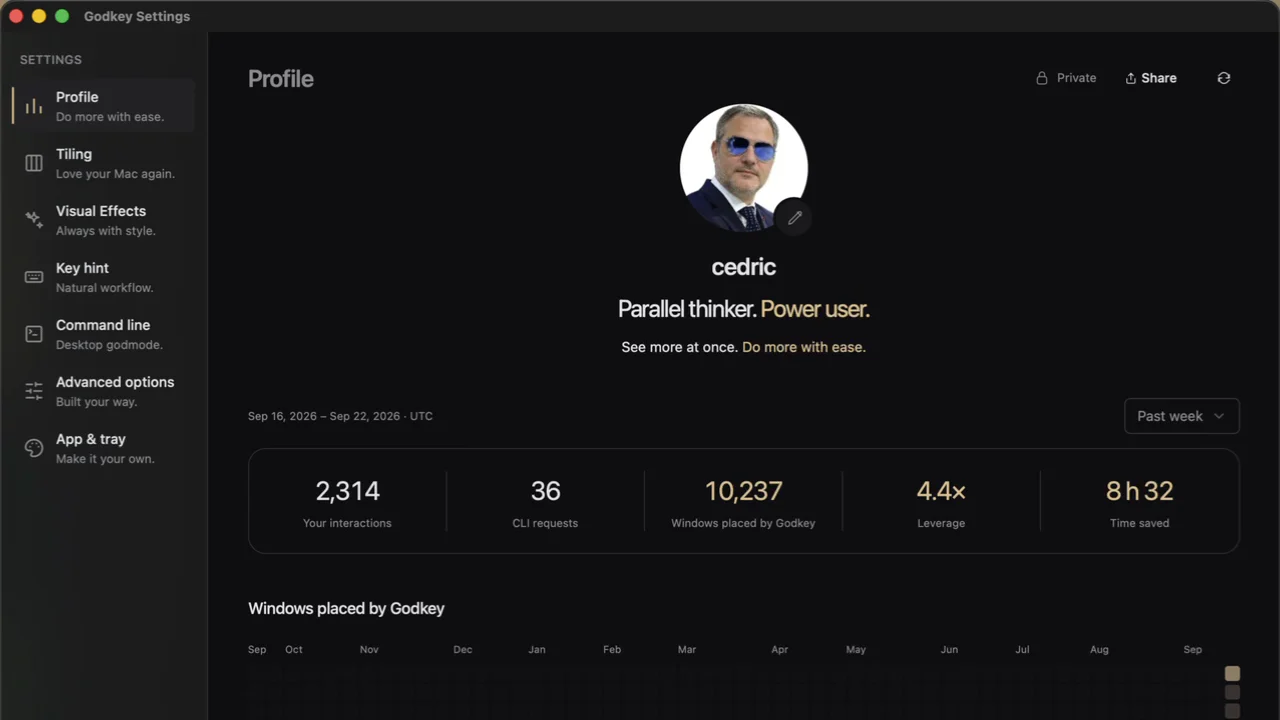
Parallel thinker to power user.
You stay in focus. The desk keeps up.
Godkey counts every placement it does for you. Four windows for every move you make. One week, one profile, your numbers.
01Placement
Your windows find their way.
Group what belongs together. Move at your pace.
Move through your windows, group what belongs together, and change projects with a change of Lane. The desktop keeps up as you accelerate.
02Contours
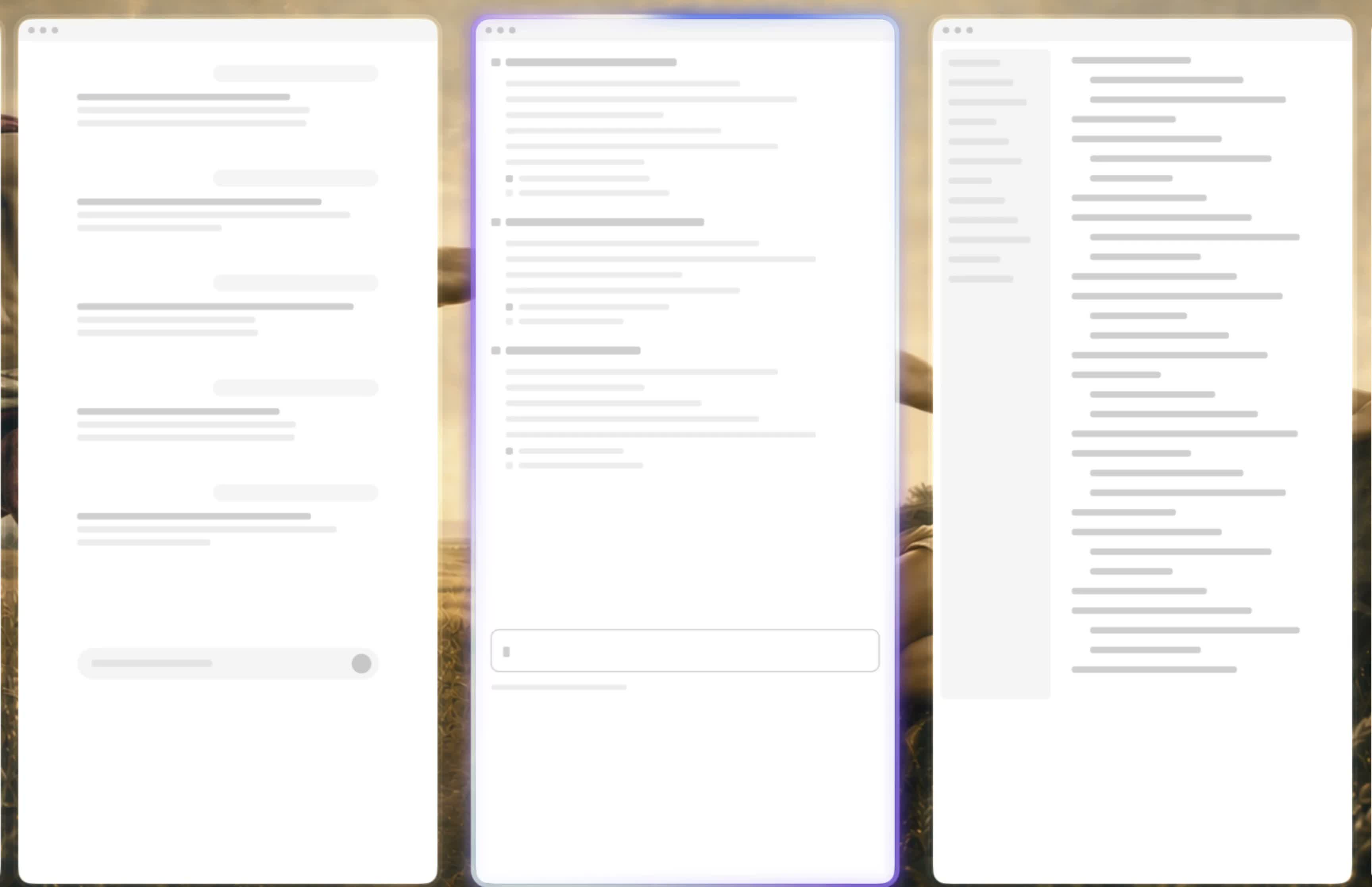
Know them by their light.
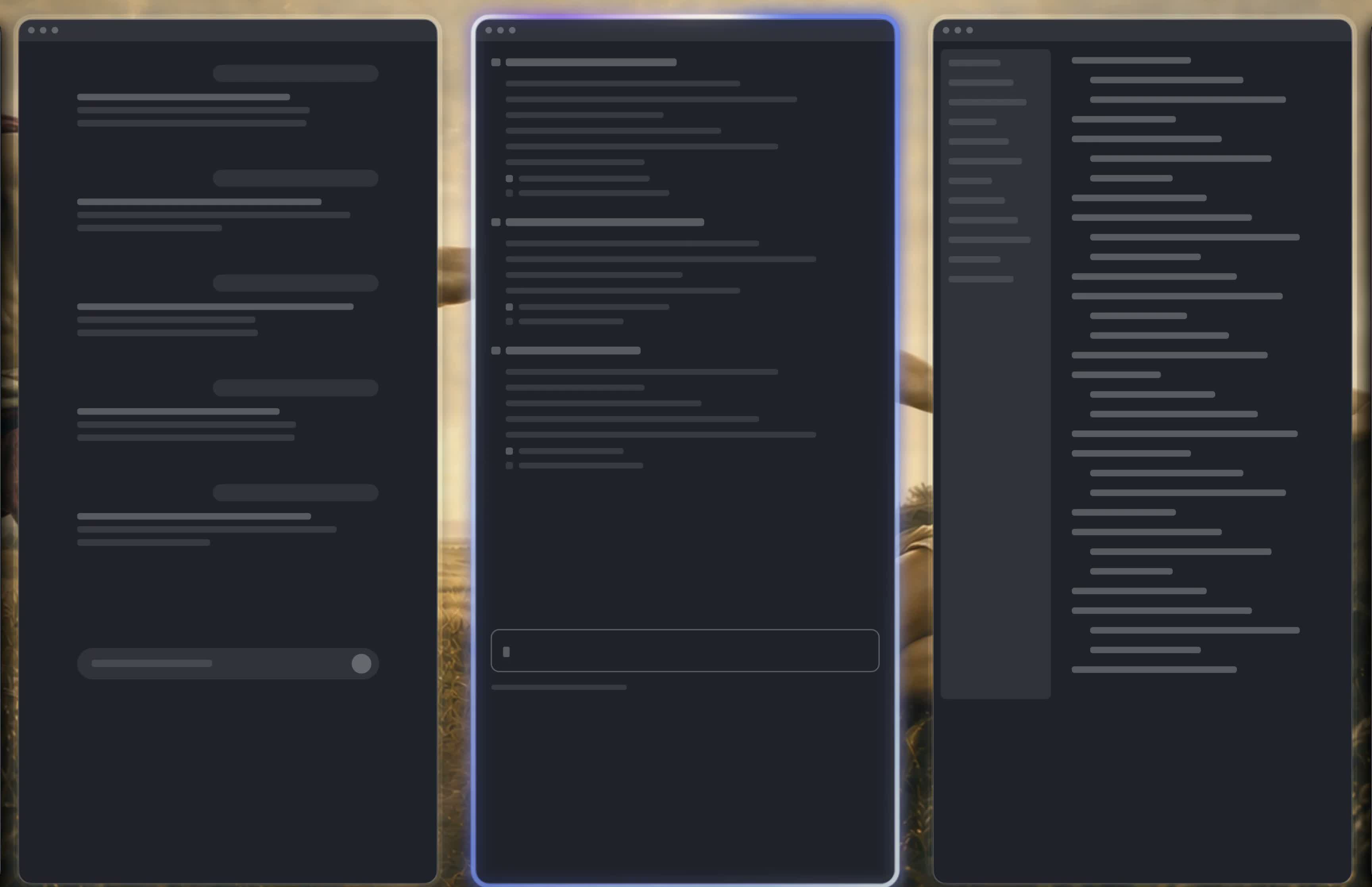
The focused window glows in its app’s colors.
Claude, Codex, Cursor. Told apart at a glance. Four Contours: App icon, Rainbow, Glass, Plain.
03Gestures
Up means up.
Every direction is a real direction.
If the big screen sits above your MacBook, ⌥⇧↑ sends the window there. Directions you already know, on keys or on swipes. Hold Option and the overlay shows the rest.
04Godmode
Your desktop. In godmode.
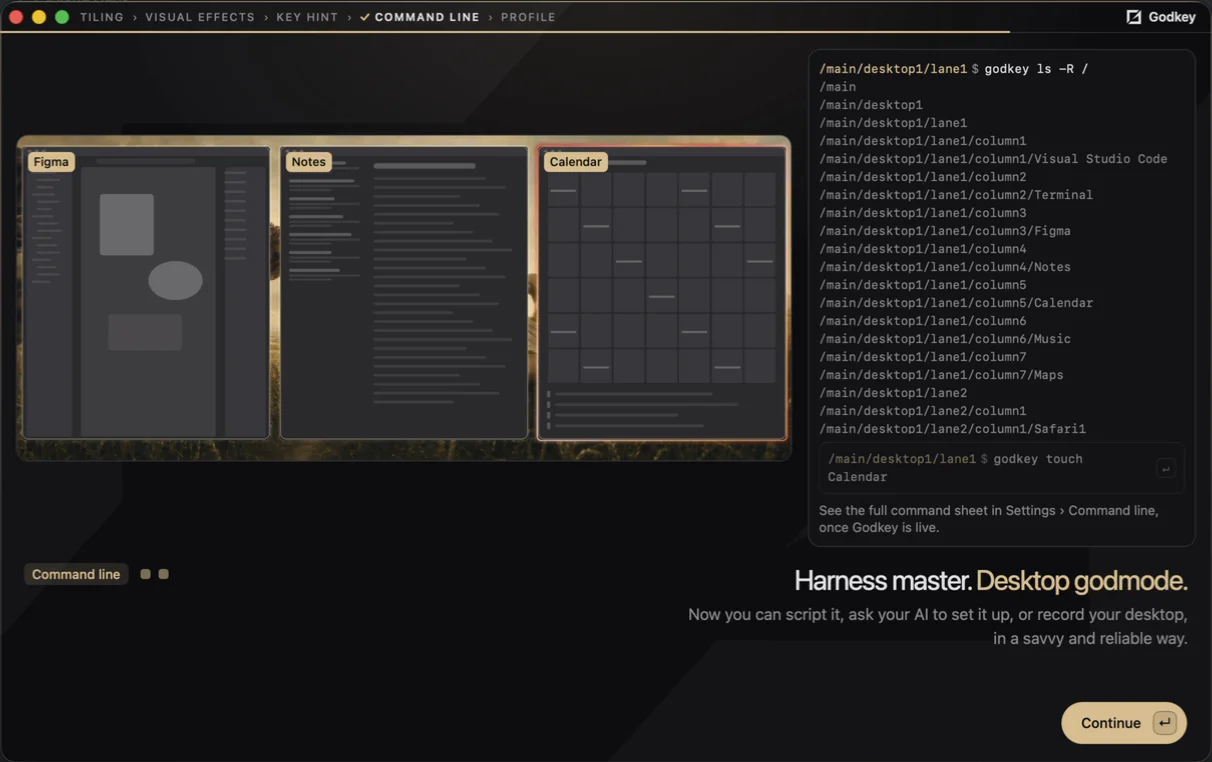
Familiar commands. For your windows, and your agent.
Navigate your desk with ls and cd. Move windows with mv, or bring one into focus with touch. Use scripts or let your agent arrange your workspace.
Your desk stays yours.
Everything runs on your computer.
Godkey reads your windows to place them, and that stays on the machine. No account, no cloud. The only call out is the update check, which asks for the current version and nothing else.
Three displays
See, then believe.
Follow your intuition, and move like a power user.
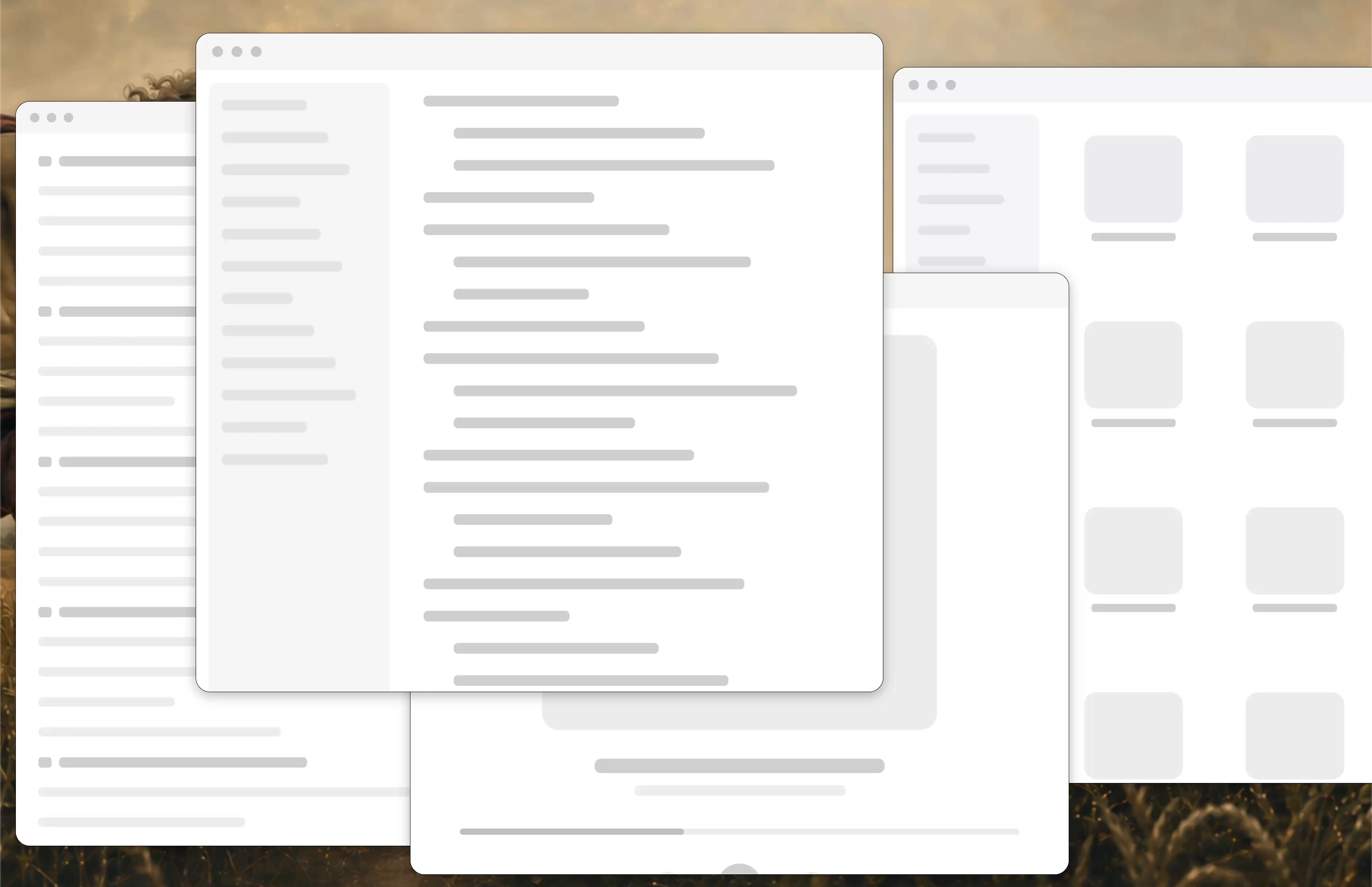
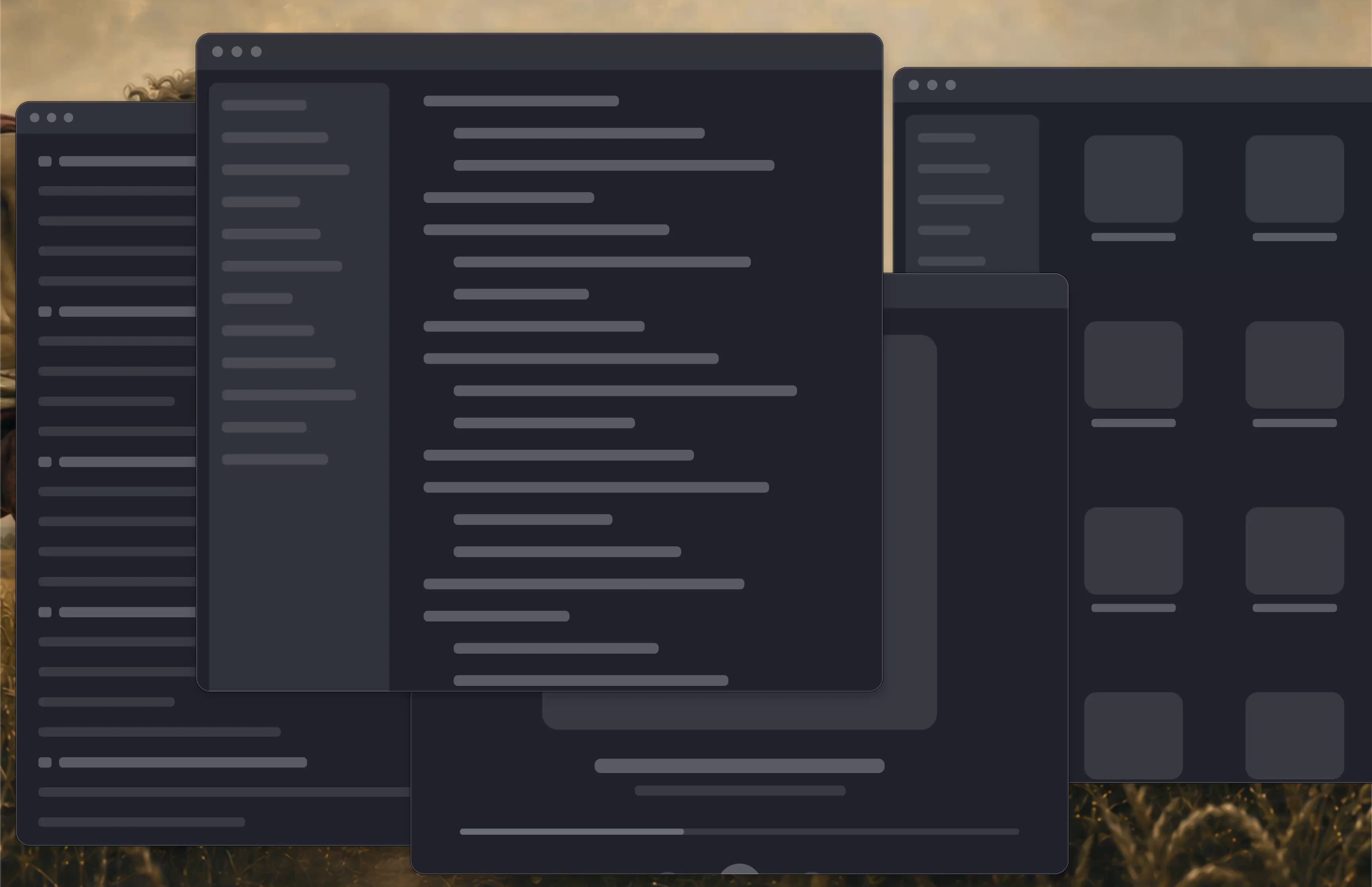
Send a whole Stack to another display. Move your focus across the desk, accelerate through your windows, then switch Lanes. Your projects stay within reach.
Good questions.
I already have Mission Control.
Mission Control shows you everything and asks you to choose. Godkey gives every window a place first, so you move with a direction instead of a choice. Keep Mission Control whenever you want the overview.
Is this tmux for windows?
Close. tmux gives your terminal panes you address by name. Godkey does that for your windows: a tree you can ls, a position you can cd into, and mv to rearrange. Your agent can drive both.