
Your effortless and beautiful tiling window manager for macOS.
Everything in its right place, all the time.
Love your Mac

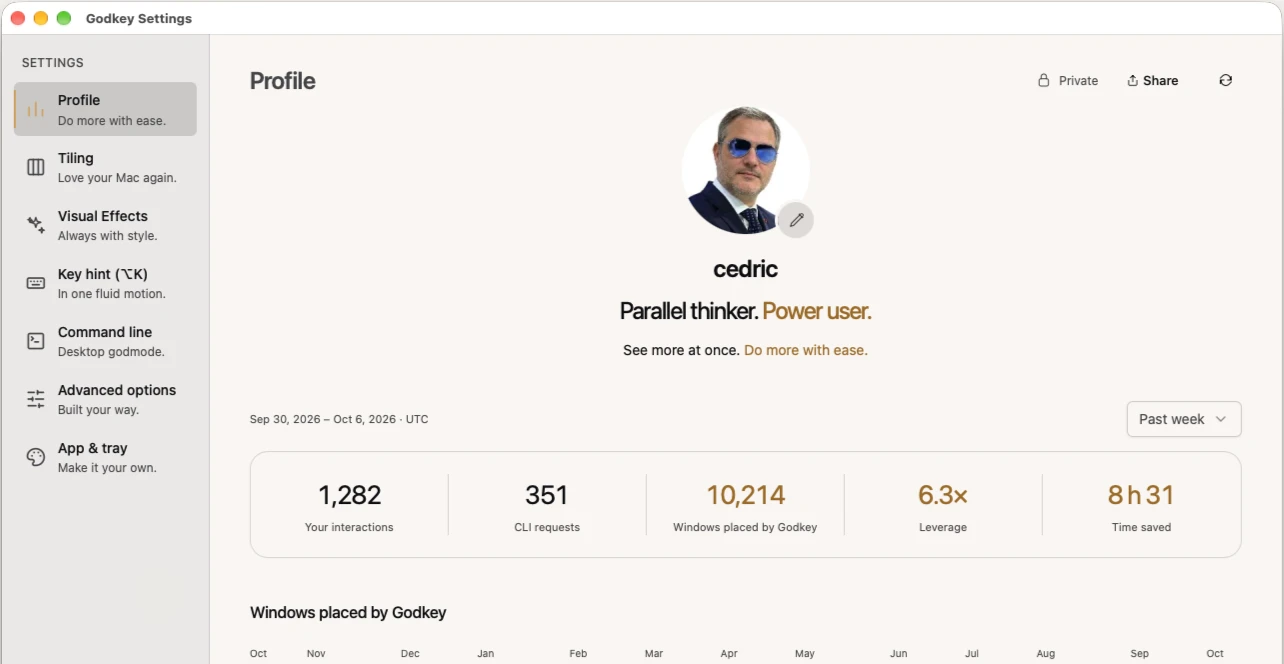
6x faster than micro-managing windows.
Navigate at the speed of thought.
Each move you make, Godkey arranges the windows around it: about 1 h 13 back a day, not even counting the searches you skip.
Read more →- week
- 1
- interactions
- 1,000
- leverage
- 6×
- time saved
- 8 h
Godkey counts 3 s to place a window by hand.
Tiling
Your windows find their way.
The apps you already use, placed for you.
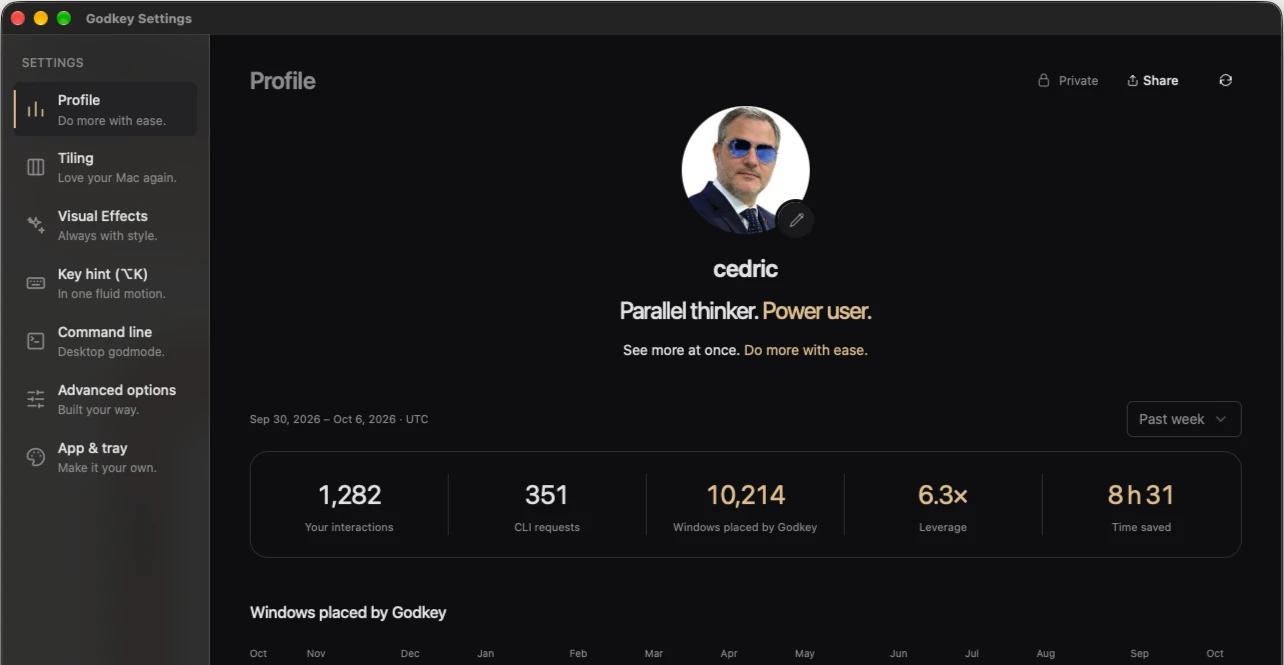
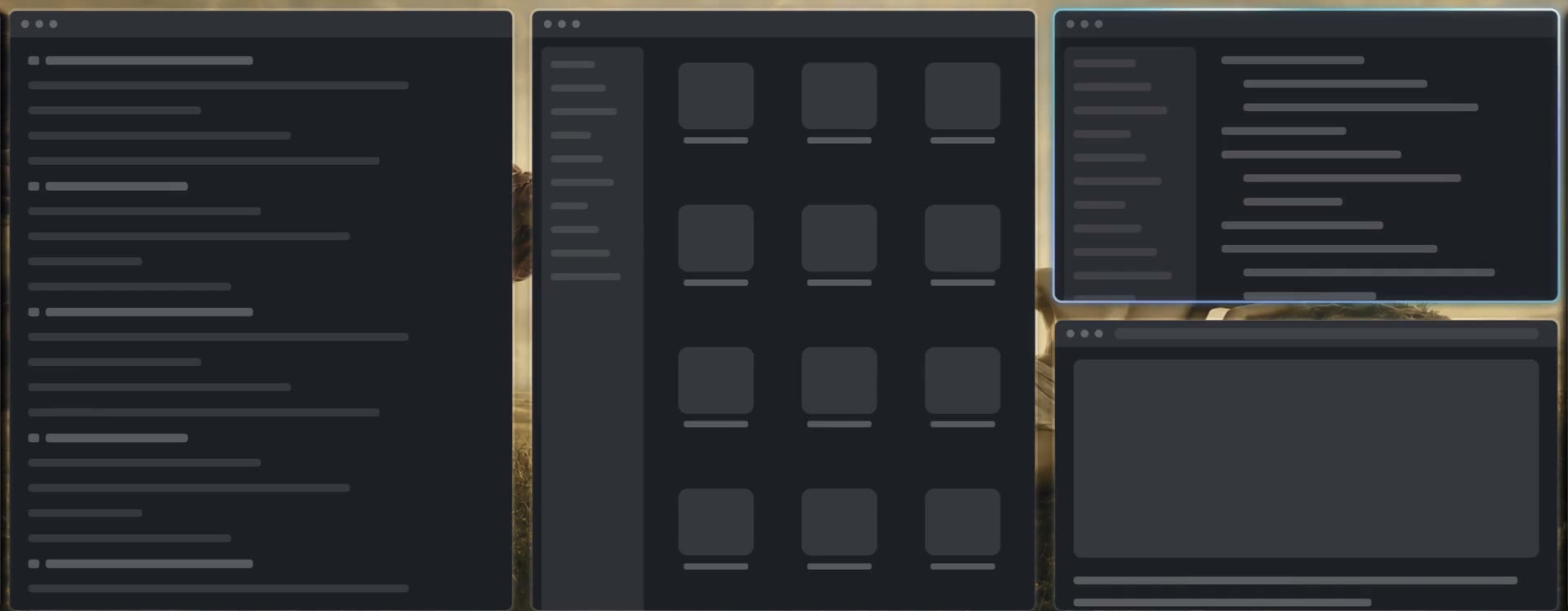
Every window you open lands in a column beside the others, sized for its app. Stack the ones that belong together, and give each project its Lane.
Read more →



Effortless
Learn it one move at a time.
Start with the arrows and swipes you already know.
The tour teaches one key or swipe at a time, and holding Option shows only the moves that work on your desk.
Read more →Option and the Right arrow: the window on your right.
Appearance
Your desktop can be aesthetic.
The focused window lights up in its app’s colors.
Choose a Look from Minimalist to Aesthetic, and color the focused border after its app’s icon or your theme.
Read more →
CLI godmode
Your desktop. In godmode.
Familiar commands. For your windows, and your agent.
ls, cd, mv and touch read and arrange your desk from any terminal, so a script or your agent can do it too.
Read more →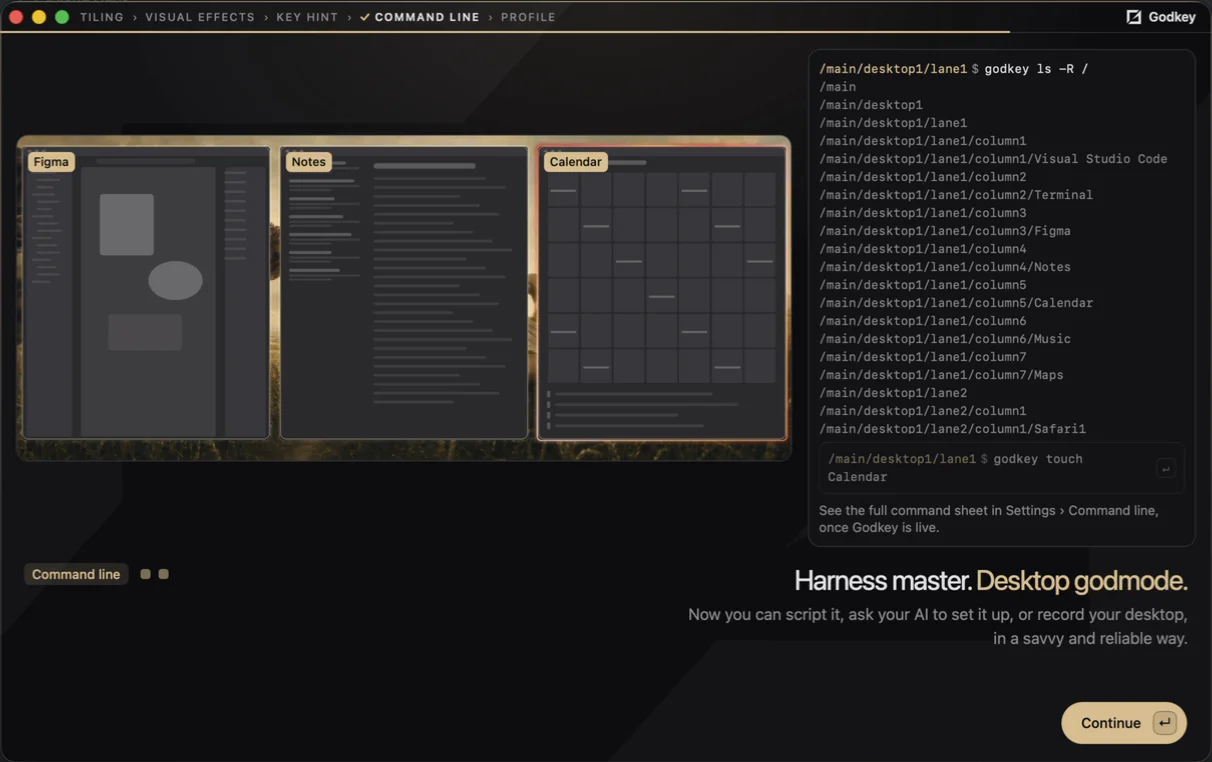
Three displays
See, then believe.
Follow your intuition, and move like a power user.
Focus, windows and whole Stacks cross between screens the way they sit on your desk. Unplug a screen and its Lanes wait on your main one; plug it back in and they go home.
Read more →





Why Godkey exists
The screen is the new bottleneck.
I built Godkey because managing my windows became a time sink.
With AI at work, you can always start the next thing, and each one brings its own windows. My time no longer went into the work; it went into dragging windows around.
Godkey is the solution I needed to take on more at once while keeping my Apple ecosystem.
Now every window has its place, every project its Lane, and the desk keeps up with me, beautiful and in order.
Good questions.
Window management on Mac
How do I switch windows faster?
With Godkey, every window is a direction away, on the keyboard or with a swipe, across all your screens. Switching becomes a reflex.
More than two windows side by side?
Yes: Godkey fits as many as you work with, well past Split View’s two, in columns sized to your screen, from a MacBook to an ultrawide, that scroll sideways as you add more.
How do I keep each project together?
Godkey gives each project its own Lane, with its name, icon and color, the way Arc or Zen give each project its space. One key takes you from one project to the next, every window where you left it.
Is a Mac good for programming?
A Mac is a great place to program, and Godkey keeps it fast as projects multiply: editors, terminals, browsers and agents arrange themselves while you stay on the code.
Do I need Linux for tiling?
The tiling people move to Linux for now runs on macOS. Godkey brings the i3 and Hyprland way of working to your Mac, with your apps and the Apple ecosystem.
What is a tiling window manager?
A tiling window manager places every window as it opens, so the desk arranges itself. Godkey is one for macOS, built to be beautiful: scrolling columns, a Lane for each project, gorgeous animations at the speed you choose, and borders drawn by Metal shaders in each app’s icon colors or your theme’s.
Coming from another tool
Like tmux, for all my windows?
Godkey brings the tmux way to your whole Mac: every window has a position you can list, reach and rearrange, from the keyboard or the command line.
Is Rectangle enough?
Rectangle snaps a window when you ask. A tiling window manager like Godkey places every window of every app as it opens, and keeps the whole layout in order on every screen.
Omarchy or Hyprland on a Mac?
Godkey brings the Hyprland way of managing windows to your Mac, and beyond: a desk that arranges itself, driven from the keyboard, with fluid animations and borders drawn by Metal shaders.
Scrolling tiling on a Mac?
Godkey brings niri’s scrolling columns and Hyprland’s keyboard-driven tiling to your Mac, and beyond: windows glide into place, every arrow has its swipe, and each project gets its own Lane.
Move windows with a key?
Yes: with Godkey, windows take their place as they open, and moving one is a key or a swipe, on one screen or across several.
A predictable Mac
Will it work with my apps?
Yes, all of them: Godkey adapts to each app, so every window lands where it belongs and stays there. Godkey makes macOS predictable.
What happens when I unplug my monitor?
Godkey keeps every screen consistent: unplug one and its windows wait for it; plug it back in and everything is where it was.
Does it work with several monitors?
Godkey follows your screens as they sit on your desk: up is the screen above, right is the one on the right.
Can I keep SIP on?
Yes: Godkey runs with System Integrity Protection on.
Beyond tiling
How do I get back to what I was doing?
With Godkey, going to a window lands you on the window itself, in its place, and your last window can also come to you: it slides in right beside yours, from any screen or Space. The same app’s last window is one key away.
How do I reach my favorite windows faster?
With Godkey’s Stash: your music, your AI assistant, any window you love, one key away over your work on any screen, and tucked away again with the same key.
A quick look at another window?
Godkey’s return stash brings any window over your work, and when you’re done it glides back to its exact place, beside the same neighbours.
Can I use my trackpad instead?
Yes: with Godkey, every arrow has its swipe, in every key combination, on a trackpad or a Magic Mouse. Anything your keys can do, your fingers can too.
Can my AI agent arrange my windows?
Yes: Godkey’s command line lets your AI agent, or any script, read and arrange your desk like a filesystem.
The basics
Is it free?
Godkey is free during early access. Your account on this site gets you the download, and the app itself is account-free.
Is it easy to learn?
Godkey starts from the arrows you already know, and holding Option shows what else you can do. The rest comes one move at a time.
Where does my data go?
Godkey works on your Mac, and what it reads about your windows stays there. It reaches out only to check for updates and to send the feedback you choose to send.
Which Mac do I need?
A Mac with Apple silicon and macOS 14 Sonoma or later.
Your desk is waiting.
Love your Mac